A small business website does not need dozens of pages. It needs the right ones, each with a clear job. Start with these eight essentials, add the extras only when they serve your customers, and you will have a site that answers questions and turns visitors into inquiries.
The 8 essential pages
1. Homepage
In a few seconds, the homepage must answer: what do you do, who is it for, where do you work, and what should I do next? Lead with a clear headline, show your main services, add proof (reviews, logos, examples) and repeat one main call to action.
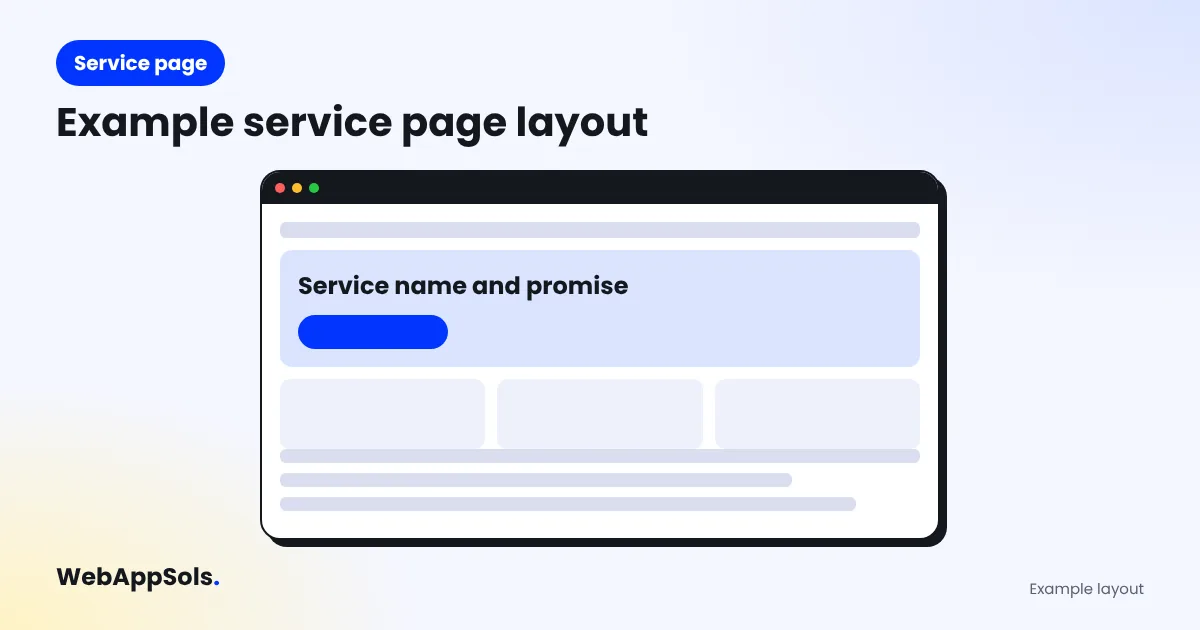
2. Service pages, one per service
Give each main service its own page rather than listing everything on one. Each page can then explain the service fully, answer its own questions and rank for its own searches. Include who it is for, what is included, pricing or a starting price if you can share it, and a call to action.
3. About page
People buy from people. Explain who runs the business, your experience, how you work and why you started. Real names and photos build more trust than stock images.
4. Contact page
Include a short form, phone, email, business hours, and your address or service area. If you serve a local area, keep your name, address and phone number identical everywhere online; our local SEO checklist explains why.
5. Reviews or testimonials
Gather customer feedback in one place and feature the best quotes on your homepage and service pages. Use real names (with permission) and the customer's business or location where possible.
6. Portfolio or case studies
Show your work. A case study explains the client's problem, what you did and the outcome. Even a simple gallery with short descriptions helps buyers picture working with you.
7. FAQ page
Answer the questions you hear on every sales call: pricing, timelines, process, service area, payment. Clear, direct answers also help search engines and AI assistants understand your business (see GEO and AEO).
8. Privacy policy and terms
If your site collects any personal data, including through a contact form or analytics, you need a privacy policy. Terms of use are also worth having. The FTC's privacy and security guidance is a useful starting point; have a lawyer review your final wording.
Useful extras
- Blog or resources: answers customer questions in depth and builds search visibility over time.
- Location or service-area pages: only if you genuinely serve distinct areas and have something specific to say about each.
- Pricing or packages page: speeds up decisions if your prices are reasonably standard.
Also design a helpful 404 page that links back to your main pages.
Pages you can skip at launch
Careers pages with no openings, empty blog sections, and "coming soon" pages add clutter. Launch with what you can fill well and add the rest later.
How to organize your pages
Keep the main navigation to about five to seven items: Home, Services (with a dropdown), About, Work, Reviews, Contact. Put a call-to-action button in the header. Link related pages to each other within the text, for example from a service page to a matching case study. Google's SEO Starter Guide recommends organizing a site so its structure makes sense to visitors.
When you are ready to brief a designer, list your pages in a website design brief. The page count also drives cost; see how much a website costs.
Frequently asked questions
How many pages should a small business website have?
Many service businesses launch well with 5 to 10 pages: home, one page per main service, about, reviews or work, and contact. More pages make sense when you have more services or useful content to share.
Do I need a separate page for each service?
Usually, yes. Separate pages let you explain each service properly and give each one a chance to appear in searches for that service.
Is a one-page website enough?
A one-page site can work for a single-service business or a launch. It becomes limiting once you want to rank for several services or add detail.
Do I need a blog on my business website?
Not at launch. A blog helps when you can publish useful articles consistently; an empty or abandoned blog does more harm than good.
Need help with this?
Need help planning your pages? Our website design packages include up to 5, 10 or 20 custom-designed pages, with the page plan agreed in writing.